- Canvas Apps vs Model-Driven Apps
- 2025-12-09
Canvas Apps vs Model-Driven Apps: A Complete Power Apps Comparison Guide
Audio Track
Table of Contents
Key Takeaways:
- Microsoft Power Apps eliminated the traditional challenges of coding, allowing fast, affordable, and customized building to particular business requirements.
- Power Apps provide two main frameworks- Canvas App (design-first) and Model-Driven Apps (data-first).
- Canvas apps are perfect for task-oriented, departmental, and mobile solutions. Canvas applications allow complete UI control integration with several data sources and speedy deployment.
- Developed on Microsoft Dataverse, these applications are ideal for enterprise-level solutions, requiring automation, data governance, and role-based security.
- Choosing between Canvas and Model-Driven apps impacts scalability, governance, and user experience, and not only technical preferences.
- Combining Canvas Apps within Model-driven environments assists businesses in utilizing both structured data management and design flexibility.
Overview
Business requires flexible, scalable applications for optimizing processes, improving productivity, and providing a seamless user experience. However, conventional apps are mostly not affordable, time-consuming, and resource-heavy, making it a challenge for businesses to develop and adapt apps at the speed of business.
This is where Power Apps get in. No matter whether it is a process-driven, structured application to handle workflows, or an extremely customizable, task-driven app for improving experience, Power Apps offer automation, flexibility, and integration to business needs, skipping the traditional coding complexity.
It offers two app development methods, i.e., canvas apps and model-driven apps. Both of these have different purposes, their own considerations and advantages, depending on user preferences and business requirements.
Types of Power Apps
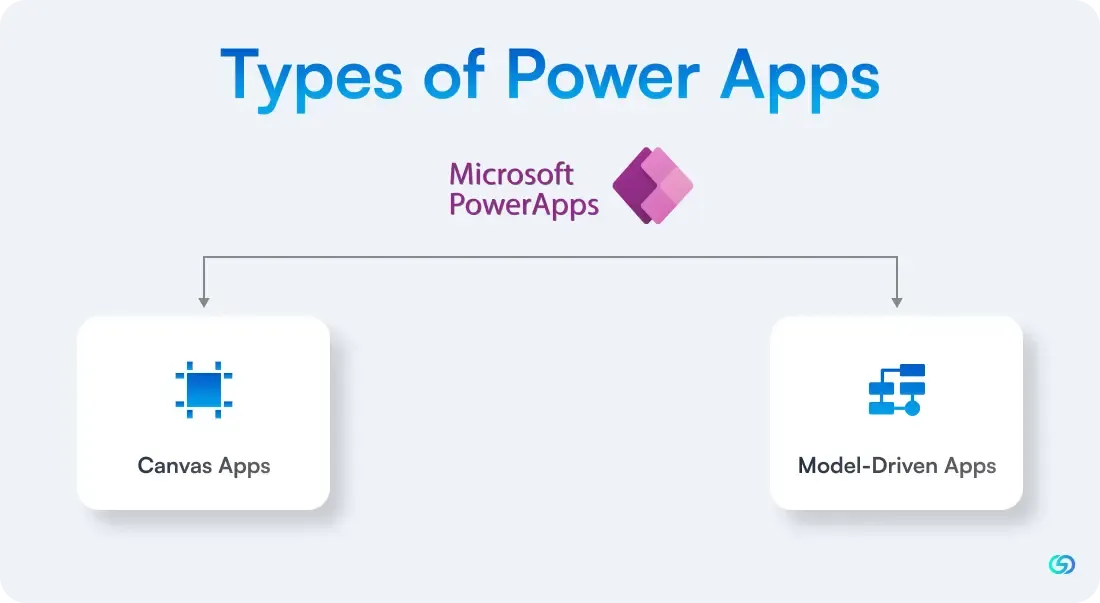
One of the first strategic choices organisations have to make when getting started with Microsoft Power Apps is choosing the correct type of application to create. In Canvas Apps vs Model-Driven Apps debates, the two categories are the fundamental building blocks of the Power Apps platform — each designed for purposes different than the other.
🔶Canvas Apps
A Canvas App provides creators with a blank design canvas — similar to an empty slide — to drag and drop controls, determine layout, customize user experience, and bind to one or more data sources.
This "design-first" solution implies that where UI flexibility, branding, mobile access, and rapid prototyping are most important, Canvas Apps tend to be the solution of choice. Since you can hook into Excel, SharePoint, SQL, or numerous other connectors (and not necessarily need a traditional data model in advance), you can create highly customized apps in no time.
🔶Model-Driven Apps
In contrast, a Model-Driven App is constructed on the basis of data-first: you start with modeling your business data within Microsoft Dataverse (previously Common Data Service), establishing tables, relationships, business logic, views, and forms. Your user interface is then automatically created based on your processes and data model.
If your use case has sophisticated business processes, extensive data-handling, governance, automation, and consistency over enterprise-level users, a Model-Driven App is apt to be the better fit.
Why does the difference matter?
By understanding the range of app types available in Power Apps, you can break free from the "one-size-fits-all" trap. Canvas Apps vs Model-Driven Apps is not a matter of technical taste; it's a strategic choice that impacts speed to market, UX flexibility, licence cost, governance, scalability, and long-term maintainability.
Actually, Microsoft also admits that while these two are the main forms, at times it might be a hybrid solution (e.g., inserting a canvas app within a model-driven app) that will provide the advantages of both worlds.
Core Difference Between Canvas and Model-Driven Apps
When investigating Microsoft Power Apps, it is crucial to know the fundamental difference between Canvas Apps and Model-Driven Apps in selecting an appropriate solution for your business requirements. Although both frameworks belong to the same Power Platform family, they vary fundamentally in design approach, development workflow, and intended usage.
Fundamentally, the comparison between Canvas Apps and Model-Driven Apps all revolves around their point of origin — Canvas Apps being design-first, whereas Model-Driven Apps are data-first.
💠Canvas Apps – Design and Flexibility Centred
Canvas Apps let developers start with an empty interface, providing complete artistic control to create personalized layouts. Developers utilize a drag-and-drop platform to mold the app's look and feel to fit particular branding and workflow needs. The apps integrate with several data sources — such as SharePoint, Excel, SQL Server, and Microsoft Dataverse — providing developers with great flexibility.
Canvas Apps are ideal for situations that demand customized user interfaces, mobility, and speedy deployment, like task-oriented mobile apps or departmental applications.
💠Model-Driven Apps – All About Data and Structure
Model-Driven Apps, by contrast, focus on structure and reliability. The development starts from the data model established in Microsoft Dataverse, where business logic, relationships, and entities are the building blocks. The interface is generated automatically from this model, providing consistency and dependability for users and devices.
These apps are best suited to enterprise-level applications with intricate business processes, automation, and role-based security — like CRM or project management applications.
| Feature | Canvas Apps | Model-Driven Apps |
|---|---|---|
| Approach | Design-first (UI-driven) | Data-first (model-driven) |
| Starting Point | Blank canvas with drag-and-drop controls | Data model defined in Dataverse |
| Customization | Highly customizable interface | Limited UI customization |
| Data Connectivity | Connects to multiple external sources | Primarily uses Dataverse |
| Best For | Departmental apps, mobile tools, and tailored user experiences | Enterprise solutions with structured data and complex workflows |
| Governance | Requires manual management | Built-in role-based security and governance |
| Scalability | Ideal for smaller teams or quick rollouts | Scales efficiently across the enterprise |
| Development Speed | Fast to design and deploy | Requires more planning and setup time |
The choice between Canvas Apps and Model-Driven Apps relies on your company's objectives. If you are focused on agility, visual tailoring, and speed of prototyping, Canvas Apps is what you require. Yet, if your company cares about consistency, process automation, and enterprise scale, Model-Driven Apps offers a more solid foundation.
Being aware of this divide allows companies to create Power Apps solutions that are not only effective but strategically matched with long-term enterprise goals.
What Makes Canvas Apps Unique?
Canvas apps provide a blank canvas, which enables users to develop user-friendly apps from the beginning by utilizing a drag-and-drop experience. Having a comprehensive control of looks, layouts, and functionality. Companies can develop extremely customized applications that seamlessly integrate different data sources- like SQL Server, Excel, SharePoint, and third-party services.
Advantages of Canvas Apps
-
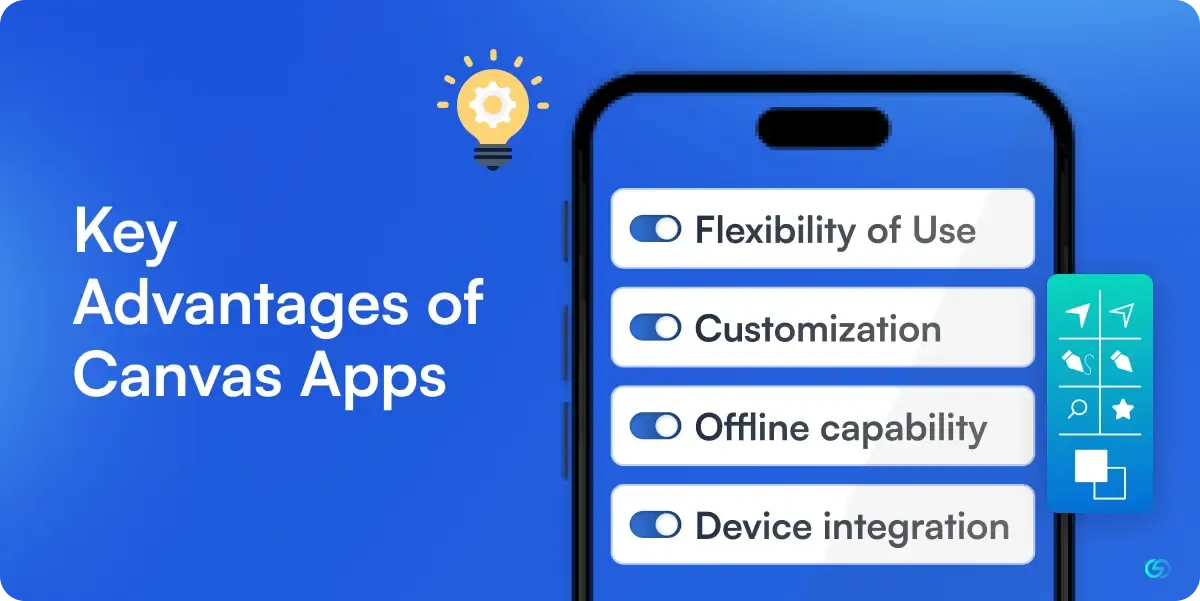
Flexibility of Use: Designed for technical as well as non-technical users, enabling seamless adjustment and development.
-
Customization: The comprehensive library of UI components provides strong brand and design flexibility.
-
Offline Capability: The application can be utilized offline as well as sync the information when connected online.
-
Device Integration: Utilizes native device features, including microphone, camera, GPS, and barcode scanning.
What Makes Modern Driven Apps Unique?
Model-Driven Apps are built on a structured data model, typically using Microsoft Dataverse as the backend. Unlike Canvas Apps that focus on interface flexibility, Model-Driven Apps emphasize data consistency, security, and scalability. This makes them ideal for enterprise-grade applications that require complex business logic, automation, and adherence to organizational governance standards. By leveraging the power of Dataverse, these apps allow developers to define entities, relationships, workflows, and business rules upfront. Once the model is configured, Power Apps automatically generates the user interface, ensuring a consistent experience across web and mobile platforms. In the comparison of Canvas Apps vs Model-Driven Apps, the latter stands out for its process-driven structure and built-in intelligence that minimizes manual configuration.
Key Advantages of Model-Driven Apps
-
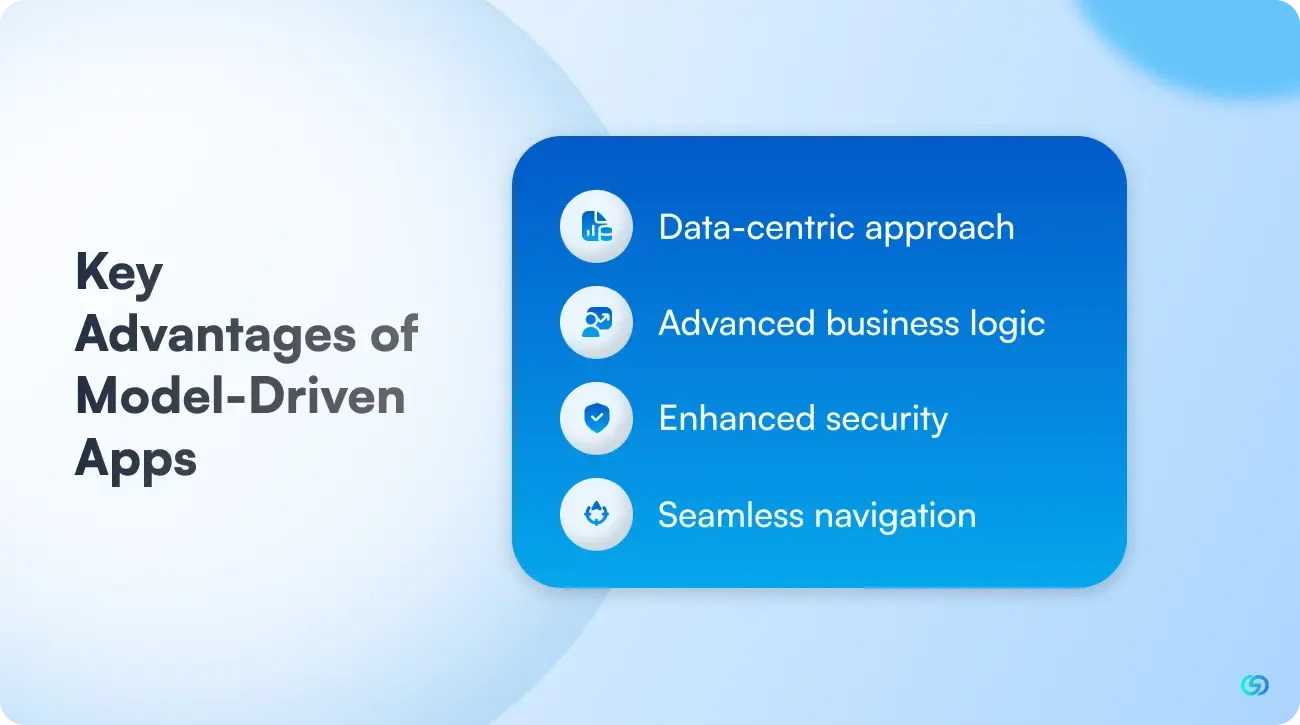
Data-Centric Approach: Built on a well-defined data model, Model-Driven Apps ensure data integrity, accuracy, and consistency across all modules. This architecture supports long-term scalability and seamless data management.
-
Advanced Business Logic: They allow makers to implement sophisticated business processes, including automated workflows, validation rules, and approval hierarchies, streamlining complex operations across departments.
-
Enhanced Security: With granular, role-based access controls, organizations can restrict data visibility and actions at the table, column, or row level — strengthening compliance and information governance.
-
Seamless Navigation: Model-Driven Apps include built-in sitemaps, menus, and search functionality, providing users with an intuitive way to access information, navigate between entities, and perform actions efficiently.
Where Canvas Apps Can Be Adopted?
In the Canvas Apps vs Model-Driven Apps comparison, it is crucial to determine where Canvas Apps can be implemented most suitably within an organization. Canvas Apps are intended for situations where design flexibility, quick deployment, and integration with diverse data sources are more important compared to structured data rigidness and enterprise-wide business workflows.
Suitable Adoption Scenarios
Canvas Apps can be used in the following environments:
- A field or mobile workforce that requires task-oriented applications on phones or tablets, with a custom layout and offline support.
- Department-level solutions where usability and user experience are more important than intricate inter-departmental operations.
- Apps for quick prototyping or proof-of-concept when speed to market and iteration are more important than long-term scalability.
- Applications where data exists across several systems (SharePoint lists, Excel spreadsheets, SQL databases, or custom APIs) instead of being held in one data repository.
Key Use Cases
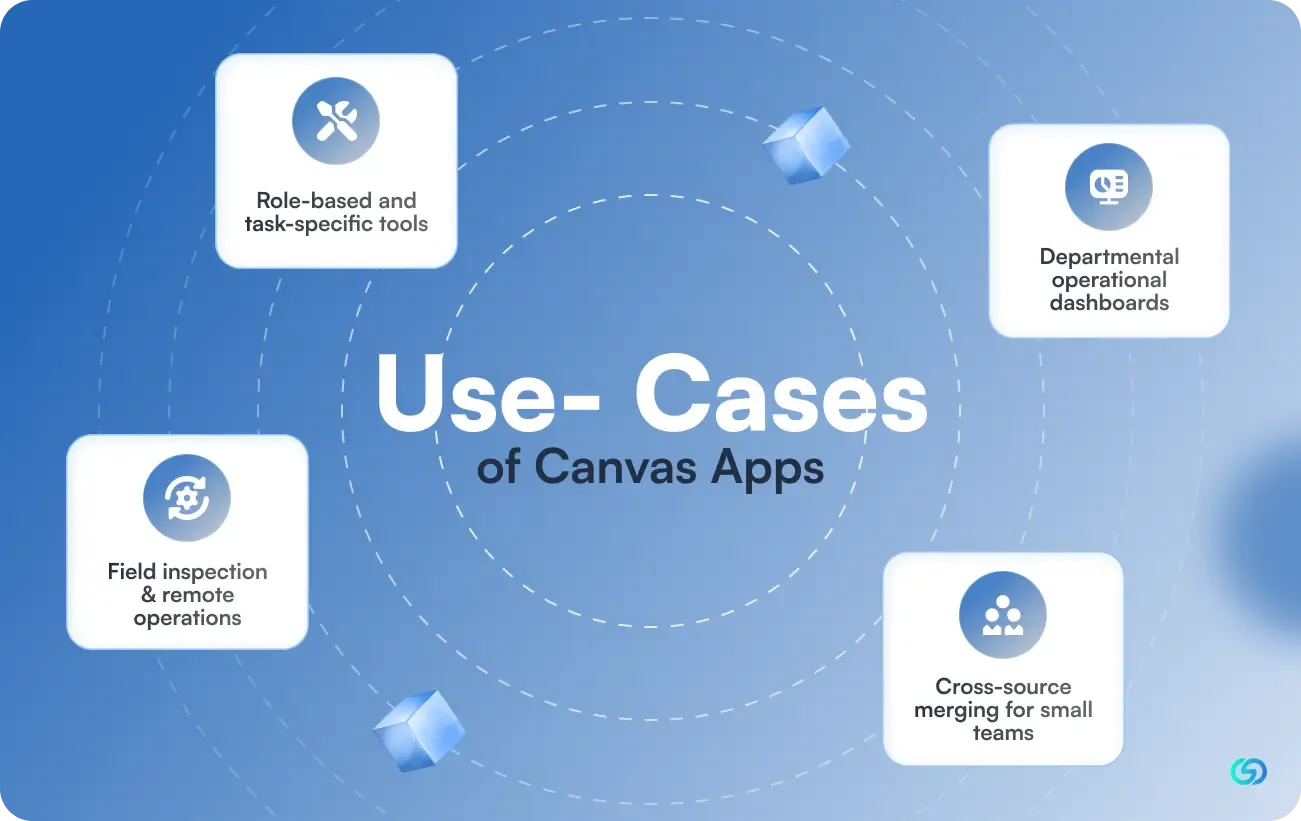
▶️Role-Based and Task-Specific Tools: A sales group might implement a Canvas App for quote creation linked to an Excel workbook; the UI can be customized to fit company branding and sales process. The reference article speaks of a sales quote generator as a good match.
▶️Departmental Operational Dashboards: A marketing department could leverage a Canvas App to monitor campaign spend, add receipts, see budget reports, and track key metrics via a branded, consumer-friendly interface instead of an enterprise-standard form.
▶️Field Inspection & Remote Operations: Canvas Apps excel for on-site inspections where techs take pictures, signatures, GPS coordinates, or complete mobile-friendly forms offline and sync back when online. Since you begin with the UI, you can optimize for the mobile form factor.
▶️Cross-Source Merging for Small Teams: If an organization has to consolidate information from several systems (e.g., SharePoint + Excel + legacy database) into one streamlined UI, Canvas Apps enable that without refactoring a complete data model.
Where Model-Driven Apps Make Sense?
When evaluating Canvas Apps vs Model-Driven Apps, understanding where model-driven apps make sense helps organisations choose the right tool for their business needs. Model-driven apps are best suited for scenarios that demand data consistency, structured workflows, complex relationships, and high scalability. Built on top of Microsoft Dataverse, they provide a robust back-end foundation for enterprises seeking reliability and governance across departments.
Ideal Adoption Scenarios
Model-driven apps are ideal for the following scenarios:
- End-to-end business management systems (like CRM and ERP solutions)
- Complex approval workflows with multiple roles and hierarchies
- Auditing and compliance management systems where data security and traceability are critical
- Operations involving large relational databases and data-driven insights
Key Use Cases
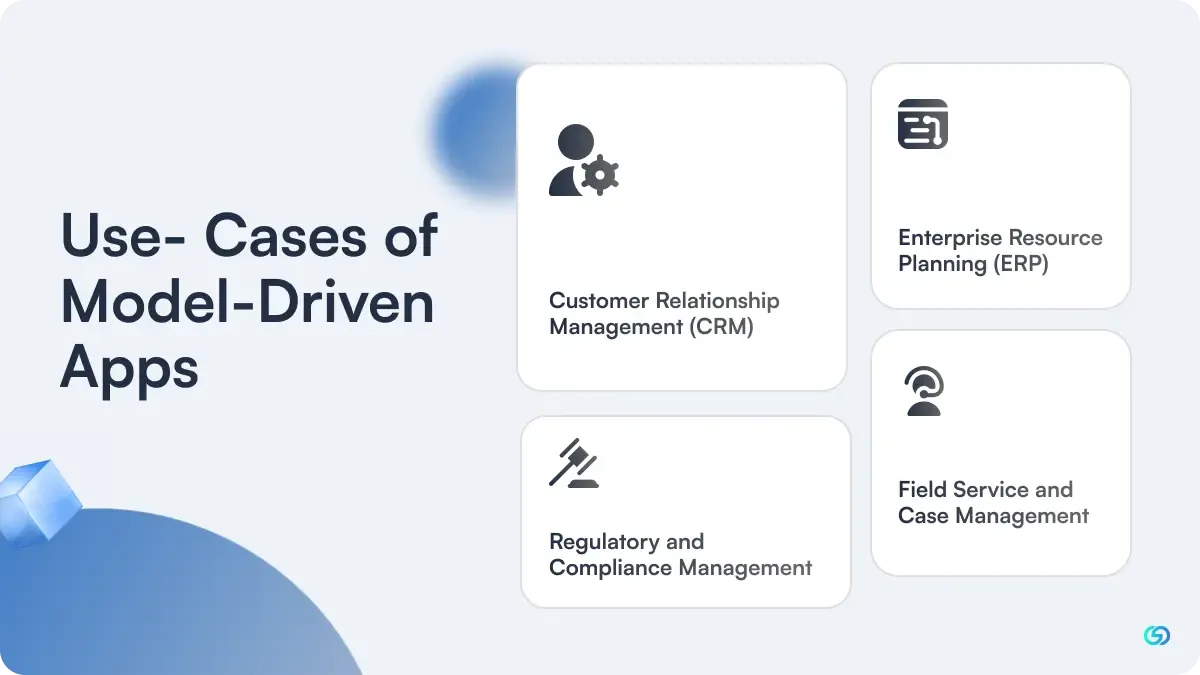
▶️Customer Relationship Management (CRM): Model-Driven Apps are commonly adopted for CRM systems where data relationships and automation are crucial. Businesses can manage customer interactions, monitor sales performance, and track opportunities — all while ensuring secure, centralised data storage.
▶️Enterprise Resource Planning (ERP): Organisations use model-driven architecture to build ERP systems that handle finance, HR, supply chain, and inventory. The shared Dataverse environment supports cross-functional visibility, ensuring teams work with unified, real-time data.
▶️Regulatory and Compliance Management: Industries bound by strict compliance standards can adopt Model-Driven Apps to automate documentation, risk tracking, and audit processes. With built-in role-based security, sensitive data remains protected across user levels.
▶️Field Service and Case Management: Model-Driven Apps also make sense for service-centric operations. Teams can manage work orders, schedule technicians, or track incidents in real time — benefiting from structured workflows and reliable data storage.
Conclusion
When comparing Canvas Apps vs Model-Driven Apps, the right choice ultimately depends on your business requirements, data complexity, and desired flexibility. Canvas Apps shine when you need creative freedom to design custom user experiences tailored to specific tasks or user roles. In contrast, Model-Driven Apps excel in environments that require structured workflows, advanced automation, and strong data governance. Both app types, however, complement each other within Microsoft Power Apps—allowing businesses to combine design flexibility with data-driven precision. By understanding the unique capabilities of each, organizations can strategically build applications that enhance efficiency, support scalability, and align perfectly with their digital transformation goals. With the right Power Apps strategy, businesses can create intelligent, future-ready solutions that deliver real value and empower teams to work smarter across every level of operation.
Frequently Asked Questions
Can I combine Canvas and Model-Driven apps?
Yes, a hybrid approach is both powerful and common. It is possible to embed a canvas app within a model-driven app to get the best of both applications.
For instance, utilize a model-driven application for basic, structured business processes such as scheduling and resource management.
Embed a canvas app within a model-driven app for creating a task-focused, custom mobile interface for the field technicians to capture signatures and update job status.
What are the types of views in model-driven apps?
There are several types of views in Model-driven apps, and they are as follows-
- Personal views( private to the users).
- System views (handled by system admins).
- Public views (shared with all the users in the company).
How are these apps different in terms of responsiveness?
Canvas apps provide complete, driven flexibility. This means that the developers should manually configure responsiveness across various devices. You can streamline layouts by utilizing screen size formulas, responsive controls, and containers for ensuring a streamlined experience on tablet, desktop, or mobile.
Model-driven apps, on the other hand, are fundamentally responsive. Thus, they follow a standardized data-driven layout generated by Microsoft Power Apps, and they seamlessly adjust to multiple screen sizes as well as orientation without requiring manual design adjustments.
What is Microsoft Dataverse in Power Apps?
Microsoft Dataverse is a cloud-based, secure data platform that underpins model-driven apps. It stores as well as handles business data within structured tables and allows relationships, business logic, and security roles across Power Platform solutions. It ensures scalable, consistent, and governed data handling, enabling apps, Power Automate flows, and AI models for interacting easily with centralized business information.
Does switching between app types need a restart?
No, switching between canvas apps and model-driven apps does not need restarting the platform. However, every app type is developed on a different architecture as well as a design approach. You can incorporate both the app types within a single Power Apps environment, for example, embedding a canvas app with a model-driven app. However, switching development focus or developing a new application type includes designing it separately rather than transforming one into the other.